Want convincing foley sound effects without a studio? You can record footsteps, cloth and props with a phone or basic microphone, a quiet room and household objects, then sync them to picture.
This guide is part of our wider sound design coverage.
| Item | Value |
|---|---|
| Namesake | Jack Donovan Foley (April 12, 1891 – November 9, 1967) |
| Early talkie work | The Jazz Singer (1927) |
| Career breakthrough | Show Boat (1929) |
| Horror credit | Dracula (1931) |
| Later credit | Spartacus (1960) |
These biographical details come from Wikipedia’s Jack Foley entry. Sources can be edited or corrected, so check the page before you rely on them.
What foley actually is
Foley is the craft of performing everyday sounds in sync with a picture, after filming. Microphones on set mostly capture dialogue, so the small sounds of life, such as a step, a sleeve or a cup being set down, are often missing or too messy to use.
A foley performer watches the scene and recreates those sounds live, in time with the action. The result is clean, controllable and easy to mix.
The name comes from Jack Foley, who worked in early Hollywood sound. Wikipedia says he was “the developer of many sound effect techniques used in filmmaking.” His breakthrough came with Show Boat in 1929, which Wikipedia links to the name “Foley effects”.
Foley versus library effects and synthesis
Library effects are quick, but they rarely match the exact rhythm and weight of your scene. Foley is performed to your picture, so the timing and character are already right.
Synthesised sounds are a different tool. They suit sci-fi hums, impacts and anything with no real-world source, and you can read more in our guide to synthesis.
- Foley: best for human-scale, physical sounds that must match performance.
- Library: best for large, distant or hard-to-record events.
- Synthesis: best for abstract or impossible sounds.
Most real projects mix all three.
The three classic categories
Foley work is usually split into passes, and recording each separately gives you control in the mix. The common categories are:
- Footsteps: shoes on each surface the character walks across.
- Movement: cloth, rustles, hugs, sitting down, bag straps.
- Props: keys, glasses, doors, paper, anything the character handles.
Splitting the passes means you can lower the cloth without touching the steps. It also lets you fix one mistake without redoing a whole scene.
Building a starter kit from household objects
You do not need exotic gear. A small collection of objects and a few surfaces covers a surprising amount of ground.
- Footsteps: a few pairs of shoes, a wooden board, a tray of gravel or soil, a hard tile.
- Cloth: a jacket, a heavy coat, a cotton shirt, a leather glove.
- Props: a bunch of keys, a mug, a glass, a stapler, a notebook, a zip bag.
- Texture: celery or cornflour in a pouch for crunches and snow-like creaks.
The sound of an object is often not the sound it plays in the film. Something that looks silly in the room can sound exactly right on the speakers, so audition several candidates for each effect.
Recording setup and technique
Pick the quietest room you have. Soft furnishings, curtains and a duvet hung behind you reduce reflections. Switch off fridges and fans, and record at a time of day with less traffic.
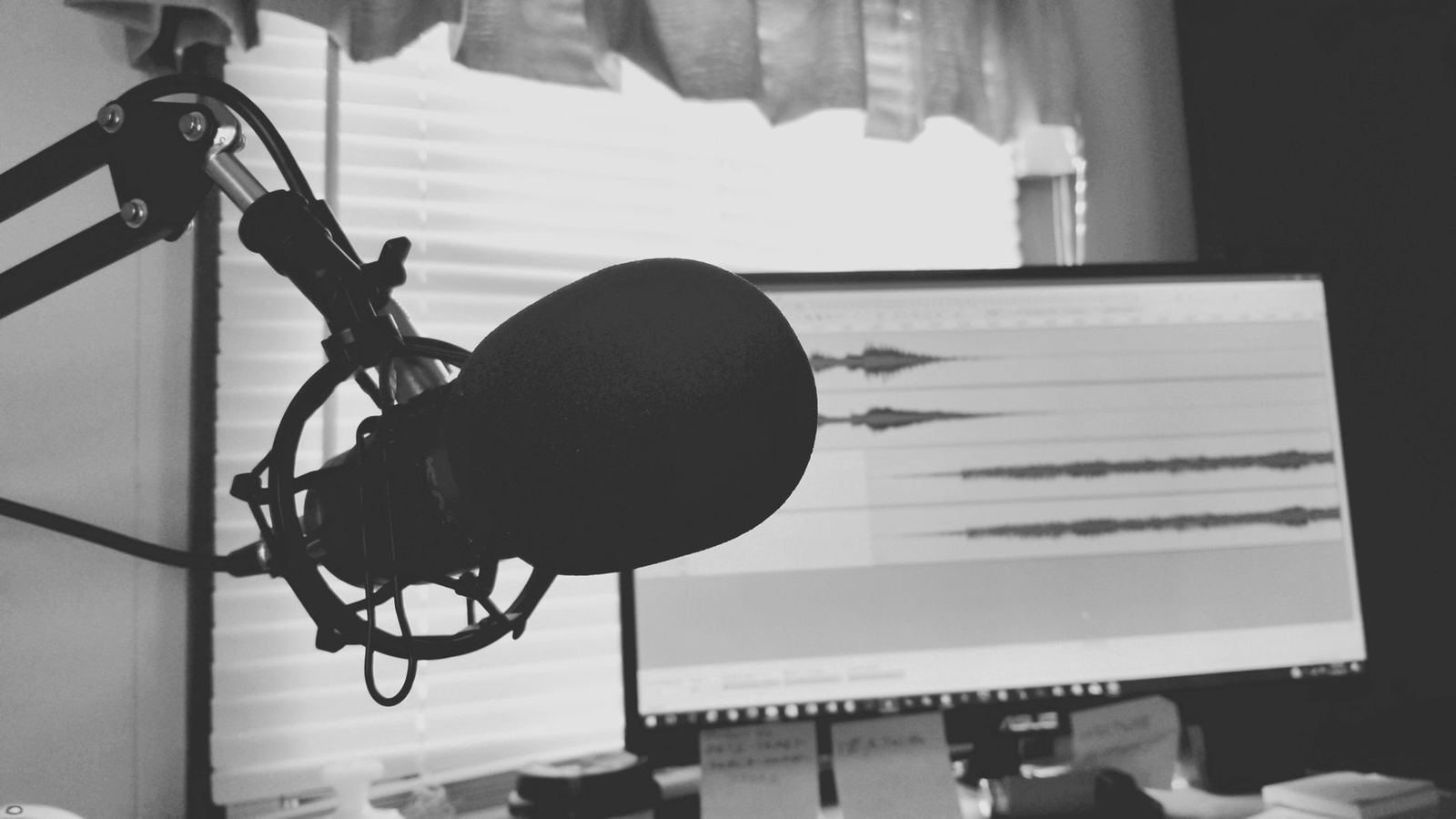
Place the microphone close to the source and keep the distance consistent within each pass. A close position gives a dry, intimate sound that is easy to place in a mix later.
Follow a simple routine for every take:
- Watch the clip several times and note each action.
- Record a few seconds of room tone so you can match and clean up later.
- Perform the pass while watching the picture, leaving a short gap before each action.
- Record a sync cue tied to a known point in the video so you can align the take later.
- Name files clearly, for example by scene and category.
Leave plenty of headroom on your levels. Record a healthy level while leaving headroom: boosting quiet takes also raises noise, and clipping may require rerecording.
Editing, syncing and blending
Import your takes beside the video, trim each one tight, and slide it to land with the action. Footsteps usually need the most nudging, so work through them one at a time.
Then shape each sound so it sits in the scene. Use gentle EQ to remove rumble, a little compression to even out heavy hits, and reverb that matches the space on screen.
Foley shines when it is combined with other material. Our notes on layering sounds explain how to stack a real recording with a library or synthesised element for extra weight.
Finally, keep it subtle. Good foley is felt more than noticed, and a step that is too loud pulls attention away from the story.
Performing for the picture
Foley is a performance, not just a recording. A tired character drags their feet, an angry one stamps, and a nervous one shuffles, so match the emotion as well as the timing.
Try wearing the shoes and moving the way the character moves. Your body weight, pace and posture change the sound far more than the microphone does.
Work in short sections. Record a few seconds of the scene, check it against the picture, and repeat until it feels natural. Short takes are faster to edit and less tiring to perform.
Surfaces and footsteps
Footsteps tell the viewer where a character is. Concrete, carpet, wood and grass each need a different surface, and a heel sounds very different from a trainer sole.
Do not forget the small details: a slight scuff before a turn, a soft toe-tap as someone stops, or a heel pivot. These tiny sounds make steps feel alive.
Cloth and movement
Cloth is the glue of a foley mix. Record it with a fabric that matches the costume, and perform it gently, because rustles that are too busy distract from the dialogue.
Keep cloth quieter than footsteps and props. It should support the scene without drawing attention to itself.
Organising and reusing your sounds
Once you have a good recording, keep it. A well-labelled personal library saves hours on future projects, and it lets you reuse a strong door close or a favourite shoe on wood.
- Use a consistent naming scheme with category, surface and object.
- Keep a short text note about the microphone and room.
- Store raw takes as well as cleaned versions.
- Remove clicks and noise only on the copy you plan to use.
Over time you will build a set of sounds that suits your own style, and you will quickly learn which household objects give you the most useful results.
Common mistakes to avoid
- Recording in an echoey room, which is almost impossible to fix later.
- Changing microphone distance during a pass.
- Performing everything at one energy level, so the steps feel robotic.
- Skipping cloth movement, which makes a scene feel empty.
- Over-processing until the natural detail is lost.
Frequently asked questions
Do I need a professional foley stage?
Show answer
No. A quiet room, a decent microphone and a few objects will do for most projects. A stage helps with large surfaces, but you can fake many of them with boards and trays.
What microphone should I use?
Show answer
Any clean microphone you can place close to the source works. For quiet sounds, consider microphone self-noise; to limit room noise, prioritize close placement and a suitable pickup pattern.
Where did the name foley come from?
Show answer
It comes from Jack Foley, a Hollywood sound effects artist. Wikipedia says his work on Show Boat in 1929 led to the name “Foley effects”.
Should I record footsteps in one take?
Show answer
Record them as a separate pass for each character and surface. That way you can adjust their level and tone independently in the mix.