Wondering what a DAW actually is and which one to pick? It is the software where you record, edit and mix music. Most of them do the same core job, so workflow and budget decide.
New to the room around it? Our home studio guide covers the wider setup.
| Item | Value |
|---|---|
| Logic Pro (US, one-time, macOS) | $199.99 |
| Ableton Live (tiered editions) | about $99 to $749 |
| FL Studio (editions) | around $99 to $449 |
| Reaper discounted license | $60 |
| Reaper commercial license | $225 |
Prices come from DJ.Studio’s 2026 DAW price guide. Figures can change, so check the maker’s own page before you rely on them.
What a DAW does
Splice puts it simply: a DAW brings music recording, editing and production into one application. Its interfaces let you record, play back, edit and export audio files, according to Splice’s guide to DAWs.
For microphone recording, an audio interface digitises the signal and the DAW records the resulting audio.
In practice, a DAW gives you these building blocks:
- Audio tracks for recording vocals, guitars and other live sources.
- MIDI tracks that drive software instruments.
- A mixer with effects, levels and panning.
- Export tools to bounce a finished song.
How DAWs differ in workflow
Under the hood they share the same ideas. The difference is how you move through a song, and that shapes how fast ideas turn into tracks.
- Timeline-first: Logic Pro and Reaper lay a song out left to right like a tape, which suits recording and arranging.
- Pattern or clip-first: FL Studio is known for pattern-based beat making, and Ableton Live is known for launching clips in a loop-based view.
- Customisable: Reaper is light and highly configurable, with a lot of room to change the layout and actions.
None of these is better in the abstract. A beat maker and a band recordist will feel at home in different places.
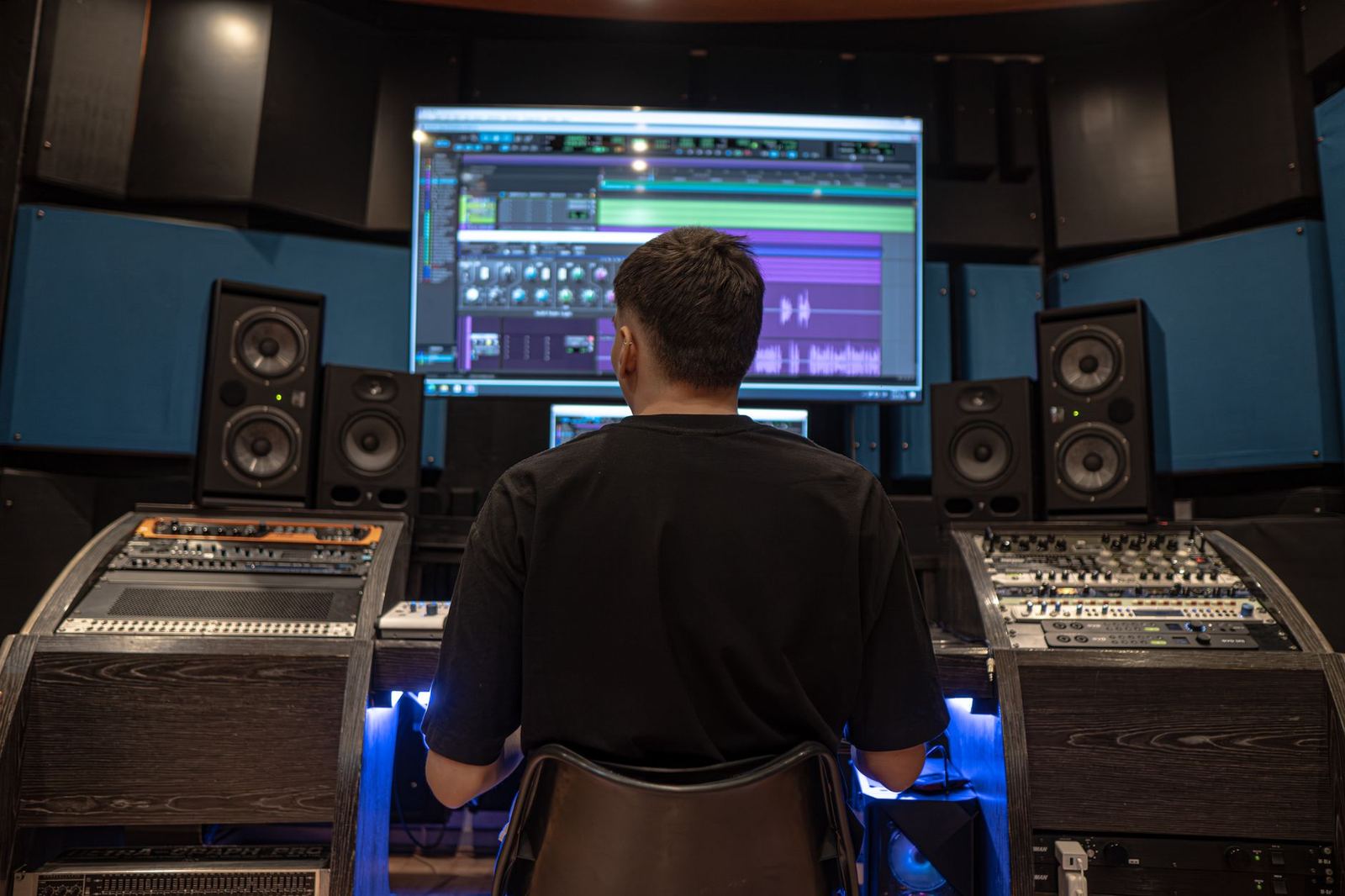
Comparing the popular options
Here is how the four most-mentioned choices line up on cost and platform.
- Logic Pro: a one-time purchase on macOS at $199.99 in the US, with a large sound library included, per DJ.Studio’s price guide. It is Mac only.
- Ableton Live: editions range from approximately $99 to $749; the highest tier also offers payment through rent-to-own.
- FL Studio: editions cost approximately $99–$449, and subsequent updates to your purchased edition are free for life.
- Reaper: a discounted license at $60 and a commercial license at $225.
The discounted Reaper license is meant for personal or small-scale use, so read the licence terms on the maker’s site before choosing it.
Pricing models: buying, renting or subscribing
The sticker price hides a bigger question: how you pay. DJ.Studio notes that when you look at DAW pricing in 2026, most confusion comes from the pricing models behind the numbers.
Per the same guide, most professional DAWs in the US cost $200 to $600 as a one-time purchase, or around $10 to $40 per month on subscription.
- One-time purchase: you pay once and keep the version you bought. Updates may be free or may cost extra, depending on the maker.
- Subscription: you pay monthly or yearly and lose access if you stop paying.
- Rent to own: you pay in instalments and end up owning the software, which Ableton Live offers on its top edition.
The guide suggests that ongoing subscription commitments may become limiting for producers who make their own music throughout the year. They make more sense if you collaborate with studios that expect sessions in a specific DAW.
Whatever you choose, remember that a lower price is not a lower-quality result. A cheap DAW and an expensive one can both produce a finished, well-mixed record in capable hands.
Common mistakes when picking a DAW
Most regret comes from a few avoidable habits, not from picking the wrong brand.
- Chasing what a favourite artist uses. Their workflow was built over years and may not suit yours.
- Buying the top edition on day one. You rarely use every feature while you are still learning the basics.
- Switching constantly. Each change resets your shortcuts and habits, so finish a few songs in one DAW before judging it.
- Ignoring your computer. A heavy project on an underpowered laptop leads to crackles and crashes, whatever the software.
Learning matters more than the logo on the window. Tutorials, templates and community answers exist for all the major DAWs, so pick one with plenty of help in the style you want to make.
How to choose your first DAW
Pick by constraints first, because switching later costs time more than money.
- Check your computer. Logic Pro needs a Mac, while other DAWs run on Windows too.
- Set a ceiling. Lower-tier editions often cover a first year of learning.
- Match the music. Loop-based electronic work and live band recording pull toward different layouts.
- Use a trial. Many makers offer demos, so build one short song in two or three before paying.
For a shortlist aimed at newcomers, see our pick of the best daw for beginners.
Instruments, plugins and the learning curve
A DAW is a host. Much of the sound comes from instruments and effects that run inside it, some bundled and some bought separately.
Logic Pro includes a large sound library, which means you can start making music without buying anything else. Other DAWs ship with different bundles, and the size of the bundle usually grows with the edition.
When you compare editions, look at what is actually included:
- How many built-in instruments and effects come with the edition.
- Whether third-party plugins load without limits.
- How many tracks the lower editions allow.
- Whether upgrading later costs extra.
Give yourself a few weeks per DAW. The first sessions feel slow because you are learning where things live, not because the tool is poor. A short routine helps: record or sequence a simple idea, arrange it, mix it, and export it, so you touch every stage once.
What else you need besides software
A DAW alone will not capture a microphone. An audio interface converts analog signals to digital audio; that conversion can also be built into a USB microphone or recording device.
You also need to hear your mix honestly. Our guide to studio monitors explains why accurate speakers matter for decisions you make inside any DAW.
Frequently asked questions
Does DAW stand for something?
Show answer
Yes, digital audio workstation. The term covers software, hardware or both used to record and produce audio, though today it mostly means software.
Is Logic Pro available on Windows?
Show answer
No. DJ.Studio’s price guide describes Logic Pro as a one-time purchase on macOS, so Windows users need another DAW.
Which DAW has the lowest price?
Show answer
Among the four above, Reaper’s discounted license at $60 is the lowest in DJ.Studio’s guide. Check eligibility for that license first.
Can I make music with a free DAW?
Show answer
Yes, many beginners start with a free or trial version to learn the basics. Check the limits on tracks, exports and plugins, then upgrade only if you hit them.
Do I need to pay for updates?
Show answer
It varies. FL Studio is noted for lifetime free updates for the edition you buy, but other makers handle upgrades differently.