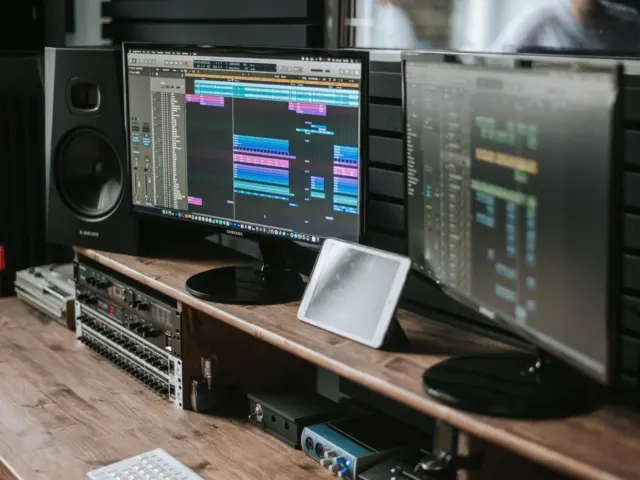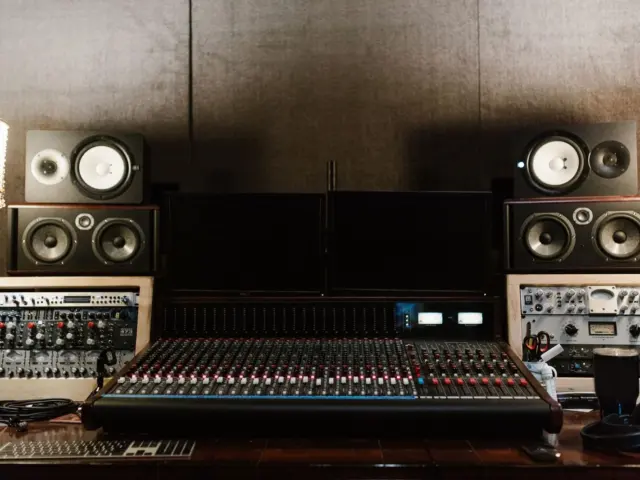
Trusting your mixes starts with the speakers you hear them on. The right studio monitors are flat, sit at ear height and suit your room, and a small room usually wants near-field models.
This guide is part of our home studio series, which covers the whole room and not only the speakers.
| Item | Value |
|---|---|
| Tweeter height (seated ear level) | about 47-55 inches (120-140 cm) from the floor |
| Bass boost from a nearby front wall | up to 6 dB |
| Risky distance from front wall | between 15 inches (38 cm) and 44 inches (110 cm) |
| Typical low-end limit of most monitors | not much below 50 Hz |
| Subwoofer crossover to avoid | above 100 Hz |
These figures come from the Sonarworks setup guide and its studio monitors overview. They are general guidance and can change, so check the sources before you rely on them.
What studio monitors actually do differently
Hi-fi speakers are often tuned to flatter the music. Studio monitors aim to show you what is really in the mix, flaws included, so the result holds up on other systems.
That honesty is the point. If a mix sounds good on a speaker that hides problems, it will probably sound worse elsewhere.
Monitors are usually grouped by distance from the listener:
- Near-field: compact speakers placed close to you. Sonarworks notes that this helps avoid interference and inaccuracies caused by early room reflections.
- Mid-field: better in larger, treated rooms. They tend to exaggerate problems in small, untreated rooms.
- Far-field: big “mains”, often built into the front wall of high-end studios.
If you are mixing in a small room, the same source advises sticking with near-field monitors.
Active or passive: which type should you buy?
This choice is about convenience as much as sound. Most home producers want fewer boxes, fewer cables and fewer decisions between the computer and the speakers.
Passive monitors need an external power amplifier and have a built-in passive crossover. Powered monitors have one built-in amplifier, while true active monitors have active crossovers and a dedicated amplifier for each driver.
Passive models can look cheaper, but you must also choose and buy an amplifier, which Sonarworks says may take considerable time and effort. For a home setup, a matched powered pair is the simpler path.
Whatever you pick, you will need a way to feed them. Your audio interfaces choice decides which outputs you have, so check for balanced connections before you buy speakers.
How to judge size, bass and frequency response
Specs only tell part of the story. A speaker with a flat chart can still disappoint if it is harsh to listen to for hours, so audition it with music you know well whenever you can.
Bigger woofers generally reach lower and play louder. Smaller two-way designs, though, can offer a more balanced midrange, which matters most for mixing decisions.
Match the speaker to the room, not to your ambitions. A small woofer in a small, treated space is usually more accurate than a large one in a bare box, because the room amplifies what the speaker cannot control.
Do not expect miracles at the bottom. Sonarworks says most studio monitors do not extend much below 50 Hz, whatever the driver size.
When reading specs, look for:
- A flat, linear response across a wide range.
- Consistent sound off-axis, so small head movements do not change the balance.
- Independent measurements, not only the maker’s own claims.
Where to put your monitors
Placement can cost nothing and change everything. Start with an equilateral triangle: your listening position and the two speakers should be equally far from one another. Sonarworks says the most important rule is that each side is the same length, and a tape measure or a cable will help.
Point the speakers straight at your ears. If they point too far off-axis you may not hear the highs accurately, and more of the highs bounce off the side walls.
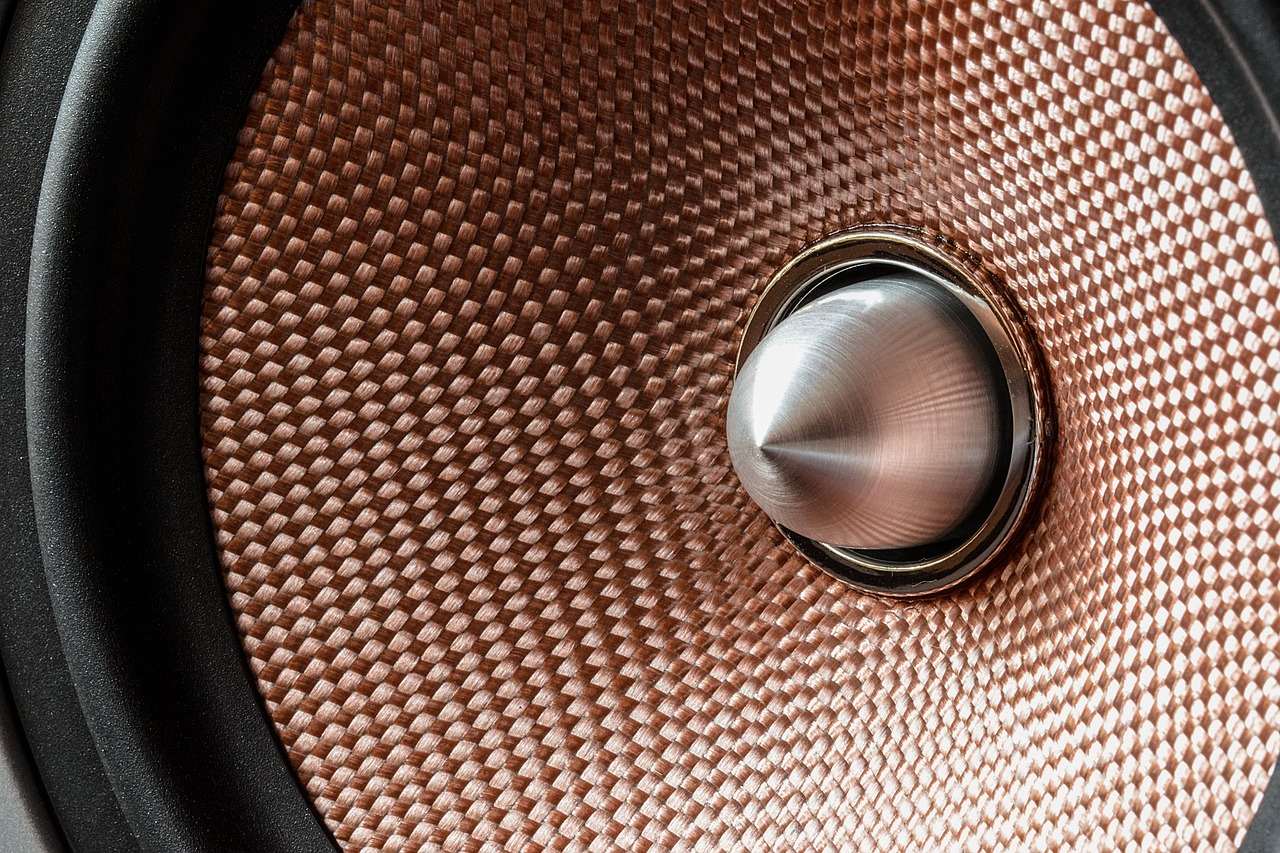
Height matters too. Tweeters should sit level with your ears when you are seated, typically about 47-55 inches (120-140 cm) from the floor. If a small desk gets in the way, stands help; speakers can also sit slightly higher and tilt down toward you.
Walls, bass build-up and subwoofers
The front wall is the biggest trap. Close to it, the wall can exaggerate bass by up to 6 dB.
Many monitors include whole-space, half-space and quarter-space EQ switches for this reason. Use the setting that matches how near the speakers are to a wall or corner.
Sonarworks also warns that placing the speaker’s front surface between 15 inches (38 cm) and 44 inches (110 cm) from the front wall risks uneven bass from reflections. Try to avoid that range if your room allows it.
A subwoofer can fill the low end, but a badly placed or tuned one can mask the midrange. If the crossover is set above 100 Hz, you may be able to locate the sub by ear and the stereo image can suffer.
Living with your room
No speaker can fully escape the room it plays in. Hard parallel walls, a bare ceiling and a desk in the middle of the space all colour what you hear, so a modest pair in a sensible position often beats an expensive pair dropped in anywhere.
Start with the cheap fixes before you spend more on speakers:
- Use stands or isolation pads to reduce vibration transmitted from the speakers into the desk.
- Sit away from the back wall if you can, since bass often piles up there.
- Check the speaker’s own EQ switches before you reach for software correction.
- Move your chair a little and listen again, because small shifts can change the bass more than you expect.
Treat this as a loop. Adjust one thing, play the same familiar track, and note what changed. After a few rounds you learn your room’s habits, and that knowledge is worth more than any spec sheet.
Finally, give your ears time. Allow time to become familiar with new monitors before judging them. Mix a few projects, compare against finished records, and judge them after you have adapted.
A simple buying routine
- Measure your room and your listening distance first.
- Choose a near-field powered pair sized to the room.
- Check that the speaker inputs match the outputs on your interface.
- Set them up in the triangle at ear height, then listen to music you know well.
- Play your tracks from your daw and compare them with finished records.
Reference tracks are the fastest check. If your favourite records sound balanced and your mixes then translate to other systems, the speakers and room are working for you.
Frequently asked questions
Can I just use headphones instead of studio monitors?
Show answer
Headphones are useful, especially in untreated rooms, but speakers show you stereo width and bass in a more natural way. Many producers use both and compare.
Are active monitors better than passive ones?
Show answer
Active monitors are simpler because the amplifier and crossover are matched for you. Passive pairs can work well but need an external power amp, as Sonarworks explains.
Do I need a subwoofer?
Show answer
Not necessarily. Most monitors do not reach much below 50 Hz, so a sub can help with low-end work, but only if it is placed and tuned carefully.
How high should I place my monitors?
Show answer
Put the tweeters at ear height when seated, typically about 47-55 inches (120-140 cm) from the floor. Slight downward tilt is fine if you need to clear a computer screen.